
Custom Block Style
Choose from the following preset classes to style your content blocks—background colors are optional:
| Class | content-block-1 |
| Background Color (Default) | FFF6E9 |

| Class | content-block-2 |
| Background Color (Default) | FFF6E9 |
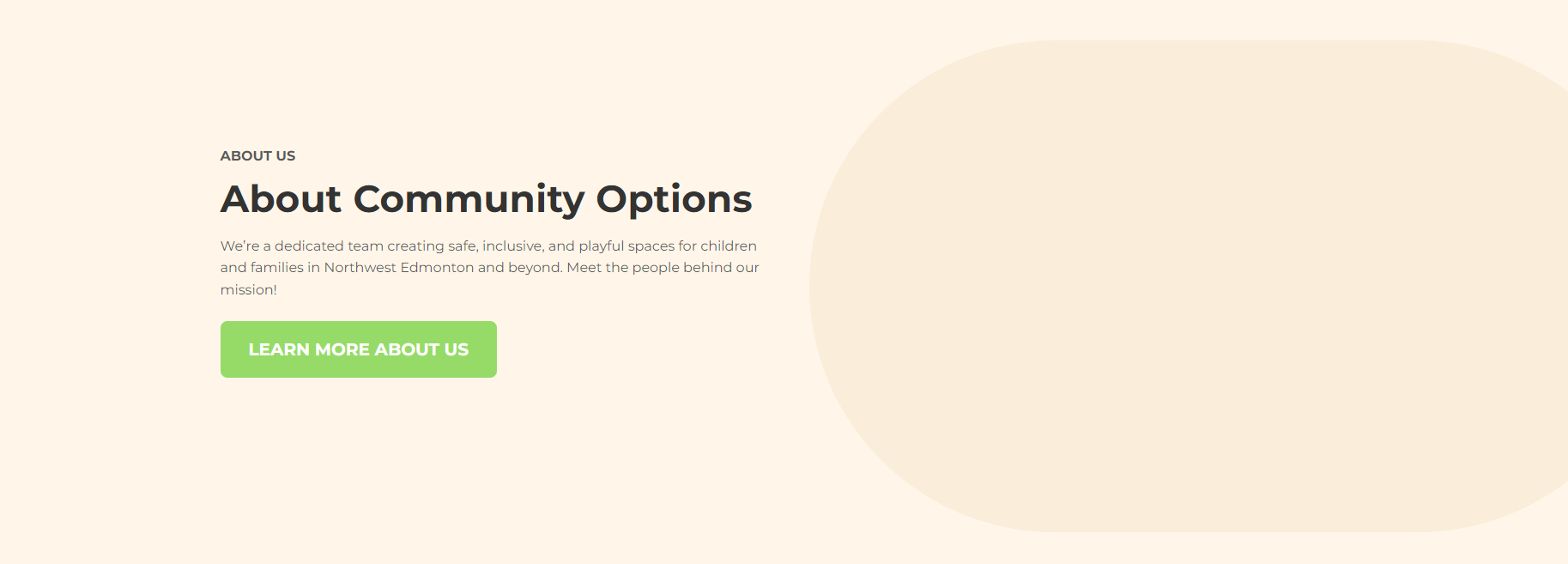
| Class | content-block-3 |
| Background Color (Default) |
FFFFFF |

| Class | content-block-4 |
| Background Color (Default) | FFFFFF |

How to add a class to a block
Open the block settings and click on the Advanced area. Copy any of the classes from above into this area.
| Class | add any class from above. |
| Background & Alignment | Set Background to Fullscreen |
-
Open the Block Settings.
- Go to the Background & Alignment tab.
- Change the Background from Boxed to Fullscreen
-
Go to the Advanced tab.
-
Copy and paste one of the class names listed above into the input field.